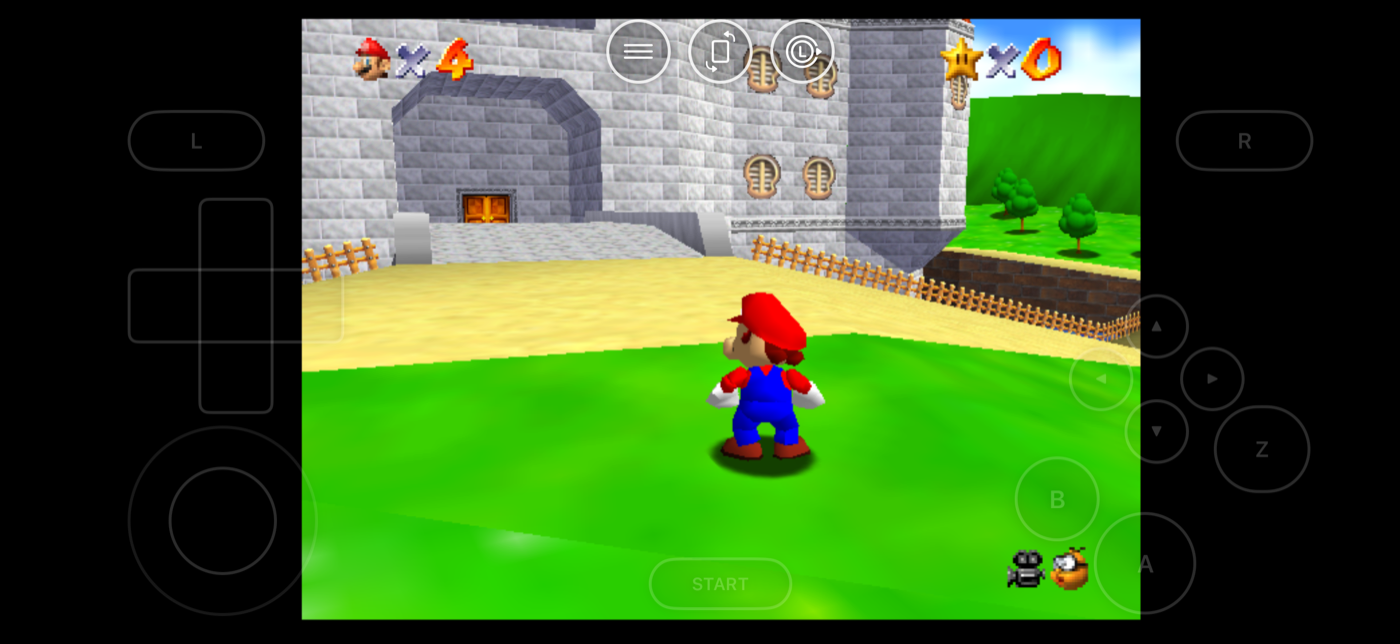
Here's a problem you don't expect: you get everything set up, forty years of games are suddenly available, and you have absolutely no idea what to play.
Nostalgia isn't much help either. Some games you adored at nine are genuinely unpleasant now. Others you never gave a chance have aged beautifully. So here's a starting list, sorted by how much time you've actually got.
If you've got ten minutes at a time
Handheld games. They were built for exactly your situation — a bus, a queue, a waiting room, constant interruptions.
- Game Boy puzzle games. The console's defining genre, and still perfectly judged. You will lose an evening to one of these.
- Game Boy Advance platformers. Short levels, immaculate pixel art, and probably the best 2D library anyone ever put together.
- Arcade games. Designed to take a coin off you in three minutes, which makes them ideal in short bursts.
If you want a proper evening
- Super Nintendo RPGs. The genre's high point, and the reason a lot of people still care about this era at all. Put the old-television filter on first.
- PlayStation survival horror. The fixed camera angles that felt limiting at the time are exactly what makes them tense now.
- N64 platformers. These essentially invented moving a character around in 3D, and the good ones still feel great to control.
- PSP action games. Console-sized games built for handheld sessions — and they look better on your phone than they did originally.
A tip for anything 3D
Connect a real controller if you have one lying about. Touch controls are much better than they used to be, but games from this era were built assuming a stick under your thumb, and it shows in anything with a camera to wrestle.
If you want something you missed
This is the genuinely interesting one. The best use of all this isn't replaying what you had — it's playing what you didn't.
- The console you didn't own. You were a Nintendo kid or a Sega kid. The other library is right there, and you've never touched it.
- Games that never left Japan. An enormous number never came out in English-speaking countries at all.
- Old PC games. A whole parallel history that console players skipped entirely, with a completely different sensibility.
- The really early stuff. Atari-era games are strange and alien in a way that's fascinating even when they aren't exactly fun.
About saving anywhere
Old games were hard, and it's worth knowing why: home consoles inherited their difficulty from arcades, where the entire point was getting another coin out of you. That design stuck around long after the coin slot disappeared.
Being able to save anywhere and jump straight back completely changes that maths. Games that were realistically unfinishable for anyone with a job become games you can actually see the end of.
Some people feel that's cheating. Fair enough — the option's there either way, and you have considerably less free time than you had at twelve.
Getting any of it running
Everything above spans consoles Haptic runs — 21 of them, from the Atari era through to the PSP, plus arcade machines and old PC games, all in one app on iPhone and iPad. It's free to play, and it's a player for game files you already have.
Frequently asked questions
What retro games should I play first?
Do old games actually hold up?
Is saving anywhere cheating?
How many consoles does Haptic Emulator support?
Does Haptic Emulator come with games?
Your whole childhood. One download.
Haptic Emulator runs 21 retro systems on iPhone and iPad — free to play, and it ships no games: it plays the ones you already have.

Free to play · all 21 systems · iPhone & iPad