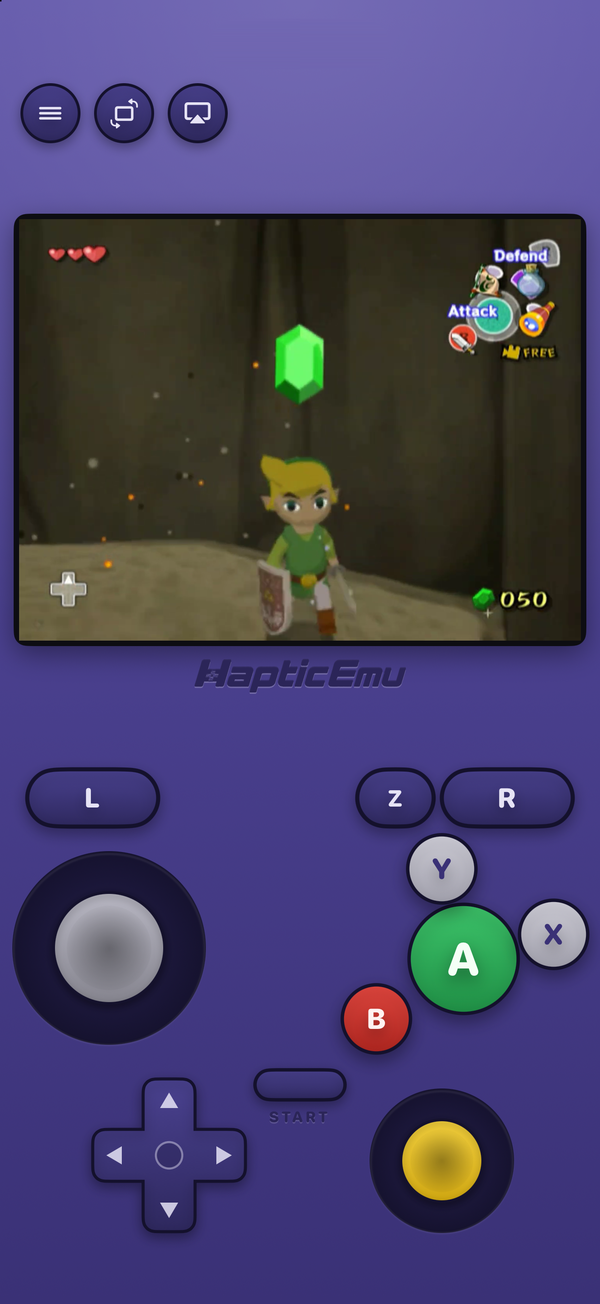
A GameCube disc image is about 1.4 GB, every time, whatever is on the disc. That's because a raw image copies the whole disc, including large stretches that hold nothing the game uses. Multiply by a shelf of games and it adds up fast, especially on a phone.
RVZ is the fix. It's a format the Dolphin emulator introduced in 2020 for GameCube and Wii discs, and it has become the usual way to store them. Here's what it is and how to work with it.
What an RVZ file actually is
An .rvz is a compressed disc image. It contains the same game as the .iso it was made from, but stored efficiently: the real game data is compressed, and the padding that fills out the rest of the disc is recorded as a recipe rather than copied byte for byte. The result is usually far smaller than 1.4 GB. How much smaller depends on the game; a disc with a lot of empty space shrinks a lot.
Crucially, it's lossless. Dolphin can rebuild the original .iso from an .rvz exactly, so converting costs you nothing.
The GameCube file formats, side by side
| Format | What it is | Size | Real console |
|---|---|---|---|
| .iso | Raw copy of the whole disc | About 1.4 GB, always | Yes, with a loader |
| .gcm | Also a raw copy, under a GameCube-only extension | About 1.4 GB, always | Yes, with a loader |
| .gcz | Dolphin's older compressed format | Smaller | No |
| .rvz | Dolphin's current compressed format | Smallest, usually | No |
You'll also see .wia, RVZ's predecessor, and .wbfs, but those are Wii formats.
RVZ or ISO: which should you keep?
- For any emulator, RVZ. It's smaller and loses nothing. Dolphin on PC and Mac reads it, and so do the iPhone and Android emulators built on Dolphin.
- For a real GameCube or Wii, ISO. Loaders that run backups on original hardware, such as Nintendont and Swiss, expect full disc images. This is the main reason people convert RVZ back.
- For an emulator that doesn't list RVZ, ISO. Check its supported formats.
How to convert ISO to RVZ
You need Dolphin, which is free and open source, on a Mac or a PC.
- Install Dolphin from its official site, dolphin-emu.org.
- Add your games folder. Open Config, then Paths, and add the folder holding your
.isofiles. They appear in the game list. - Right-click a game and choose Convert File… To do several at once, select them all first.
- Set the format to RVZ. The compression settings Dolphin suggests are fine; there's no need to tune them.
- Leave Remove Junk Data unticked if you want to be able to get the exact original back. RVZ already stores that padding efficiently.
- Click Convert and choose where to save. A single game takes a minute or so on a recent computer.
How to convert RVZ to ISO
Exactly the same steps, with ISO chosen as the format. You'll get the full-size image back, about 1.4 GB per GameCube game.
About online converters
Searching for this turns up websites that convert RVZ to ISO in the browser. They work by uploading your disc image, which can be well over a gigabyte, to someone else's server. Dolphin does the same job on your own computer, for free, without the file leaving it.
Playing RVZ files on iPhone
On iPhone, RVZ is not just the tidy choice but the practical one. Haptic Emulator, which added GameCube in version 1.0.14, plays GameCube games from .rvz, .gcz and .gcm files. It doesn't recognise plain .iso files as GameCube yet, because PlayStation, PSP, Saturn and DOS games use .iso too. Converting to RVZ solves that and saves space on your phone at the same time.
Copy the .rvz to your iPhone through Files, AirDrop or iCloud Drive, tap import in Haptic and pick it. Import the .rvz itself rather than a .zip around it. There's no BIOS to add and no JIT to enable. Two limits to know: Haptic plays GameCube games only, not Wii, and GameCube is one of the most demanding systems in the app, so newer iPhones run it best. The full GameCube guide covers the rest.
For the curious (optional)
GameCube and Wii discs are full of what Dolphin's developers call junk data: filler generated by a known formula and written into unused space. It doesn't compress, because it looks random, which is why older formats like GCZ couldn't shrink some games much. WIA, and then RVZ, solved it by storing the formula's starting values instead of the filler itself, and regenerating it on the fly. RVZ added modern compression, Zstandard among the options, on top. That is how an RVZ can be far smaller than an ISO and still turn back into it bit for bit.
Frequently asked questions
What is an RVZ file?
Is RVZ better than ISO?
How do I convert an ISO to RVZ?
How do I convert RVZ back to ISO?
Is RVZ lossless?
Can I play RVZ files on iPhone?
Your RVZ files, on your iPhone.
Haptic Emulator plays GameCube games from .rvz, .gcz and .gcm files, and 25 more retro systems besides — free to play, and it ships no games: it plays the ones you already have.

Free to play · all 26 systems · iPhone & iPad