> HAPTICEMU // iOS emulation core
> mounting 26 systems..... done
> status: LIVE ON THE APP STORE

Every console you grew up with, in one app.

Haptic Emulator runs 26 retro systems on iPhone and iPad — NES, SNES, Game Boy, N64, 3DS, GameCube, PlayStation, PSP, Genesis, Saturn, Dreamcast, Atari, arcade cabinets, and MS-DOS. Load the games you own and play.

Free to play · all 26 systems · ★ 4.4 on the App Store

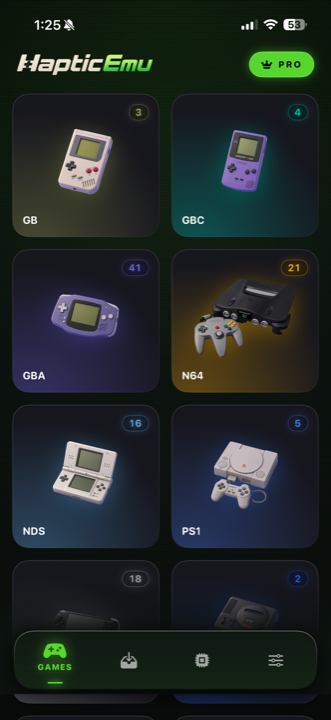
Haptic Emulator library showing Game Boy, Game Boy Color, GBA, N64, DS and PlayStation consoles with game counts

Your collection

Build the collection you always wanted.

Drop a game in and it's shelved — named, boxed, and filed under its console. Ten games or a thousand, you always know what you own, where it lives, and what's worth firing up next.

  • Every system, one place. Your whole collection sorted by console, with game counts at a glance.
  • Box art, automatic. Cover art is found and downloaded the moment a game lands — no folder full of anonymous files.
  • Import from anywhere. Files, a folder, or the clipboard — zipped ROMs and multi-disc PlayStation games included.
  • And yes, the boxes are 3D. Real boxes that spin as the game launches. It's the little things.
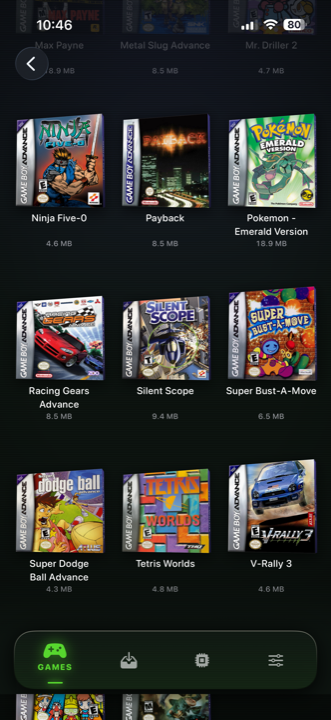
Game Boy Advance shelf in Haptic Emulator: rows of 3D game boxes with cover art, titles and file sizes

The name is literal

Every press taps back.

Every button press answers through the Taptic Engine. And when a game rumbles, that rumble comes straight from the emulator into your hand — not a canned buzz, the real thing.

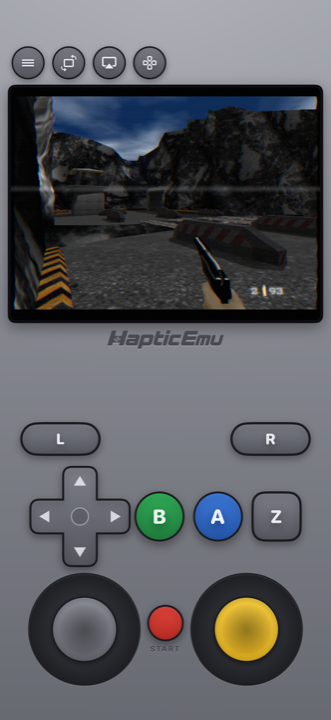
  • Per-system controls. Analog sticks, N64 C-buttons, DS stylus, DOS keyboard and trackpad.
  • Make it yours. Rearrange the on-screen pad and set stick sensitivity per game.
  • Real controllers too. MFi, PlayStation and Xbox — per-player remapping, two-player local play.
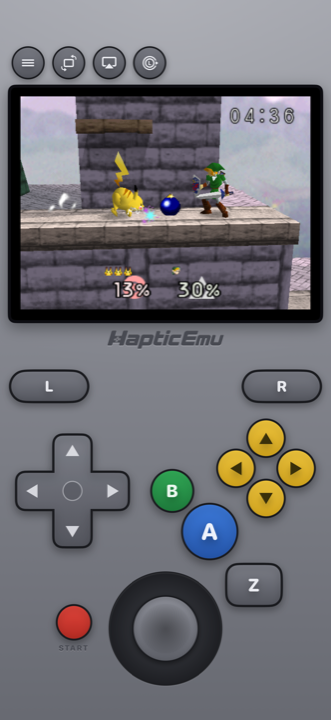
Super Smash Bros on N64 with authentic yellow C-buttons and analog stick layout

Controls built per system

Each console feels like the console.

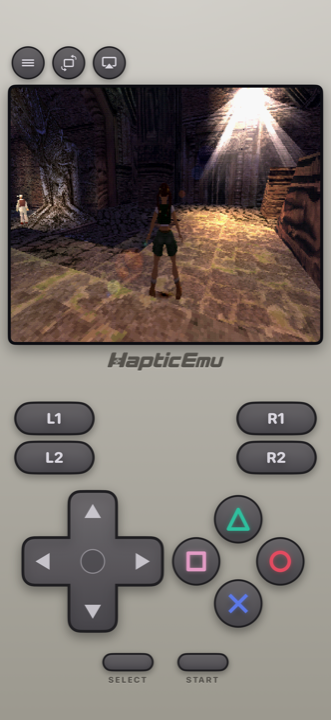
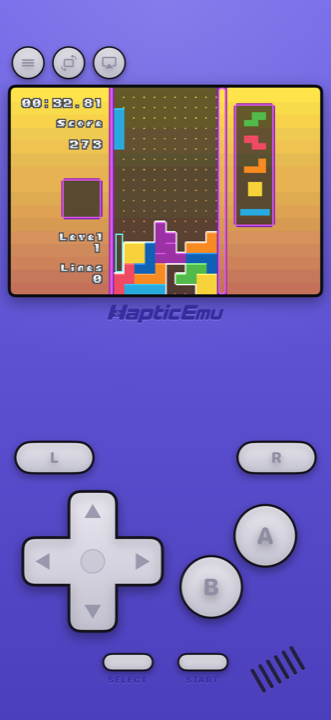
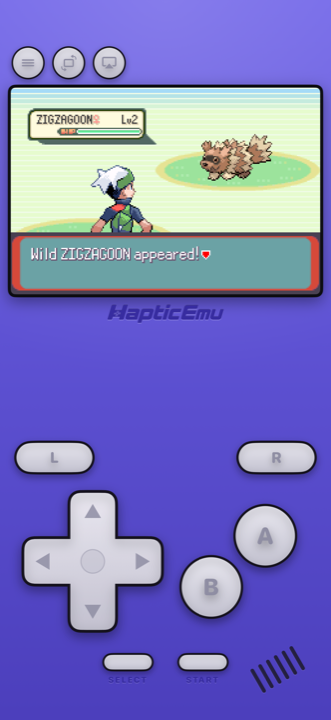
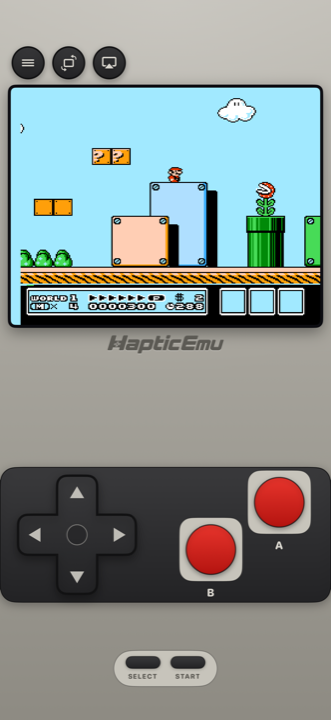
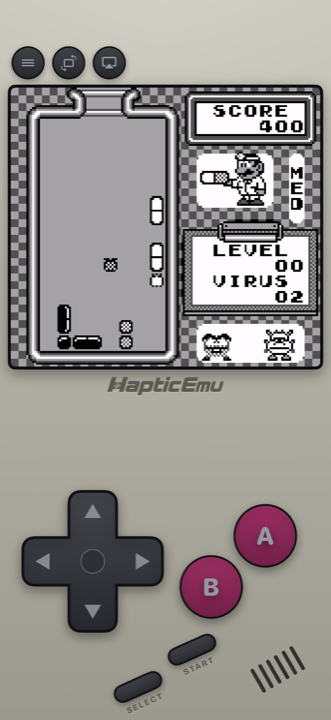
Not one generic gamepad stretched over 26 systems — every layout is built for its hardware, buttons where your thumbs remember them.
Screen filters

Pixels the way you remember them.

CRT, aperture grille, VHS, handheld LCD, scanlines, bloom, Game Boy green — dial in the glass your games were meant to glow through.

That's a real in-app CRT capture — rainy night in Hyrule, curved glass and all. Full shader set lives in the app.
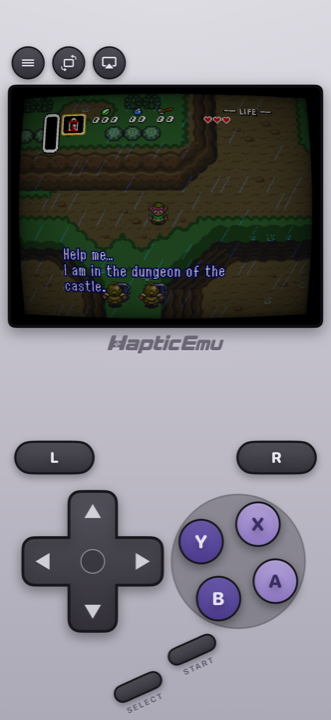
Zelda: A Link to the Past on SNES with the CRT screen filter

Go wide

Full-screen landscape. Or your TV.

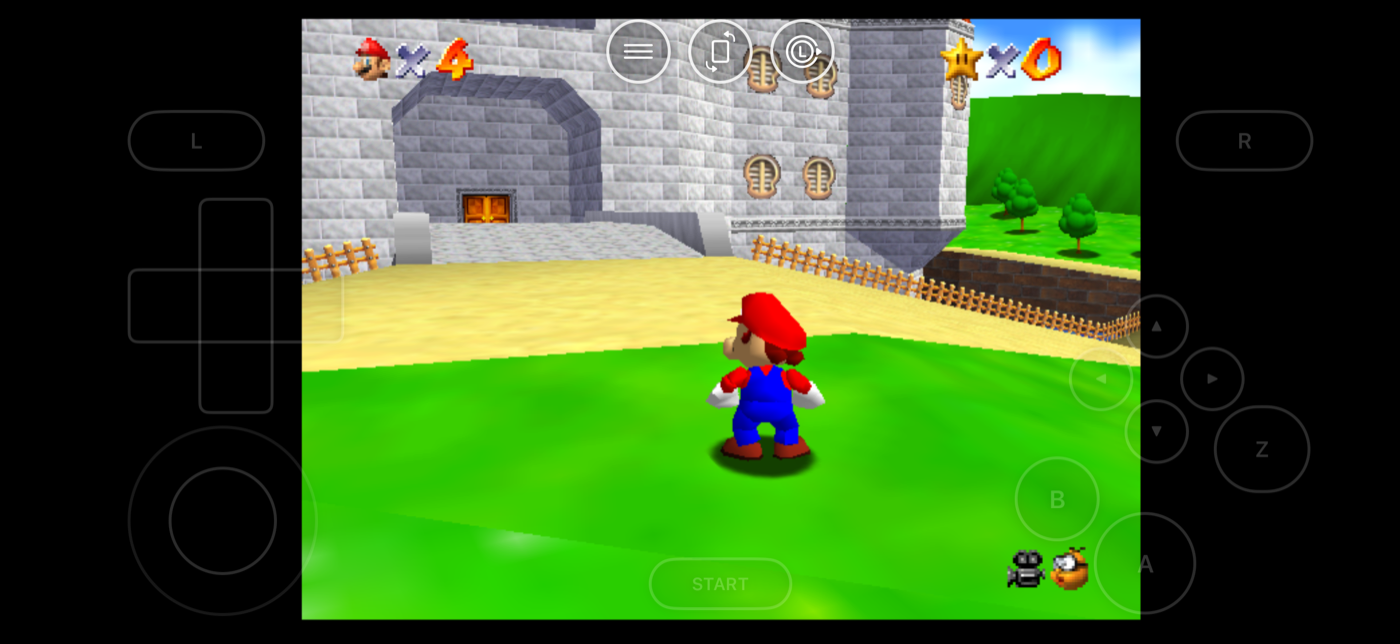
Immersive landscape mode floats the controls over the game. Or send it to the big screen over AirPlay and use your phone as the controller. Blackout mode keeps night sessions easy on the eyes.
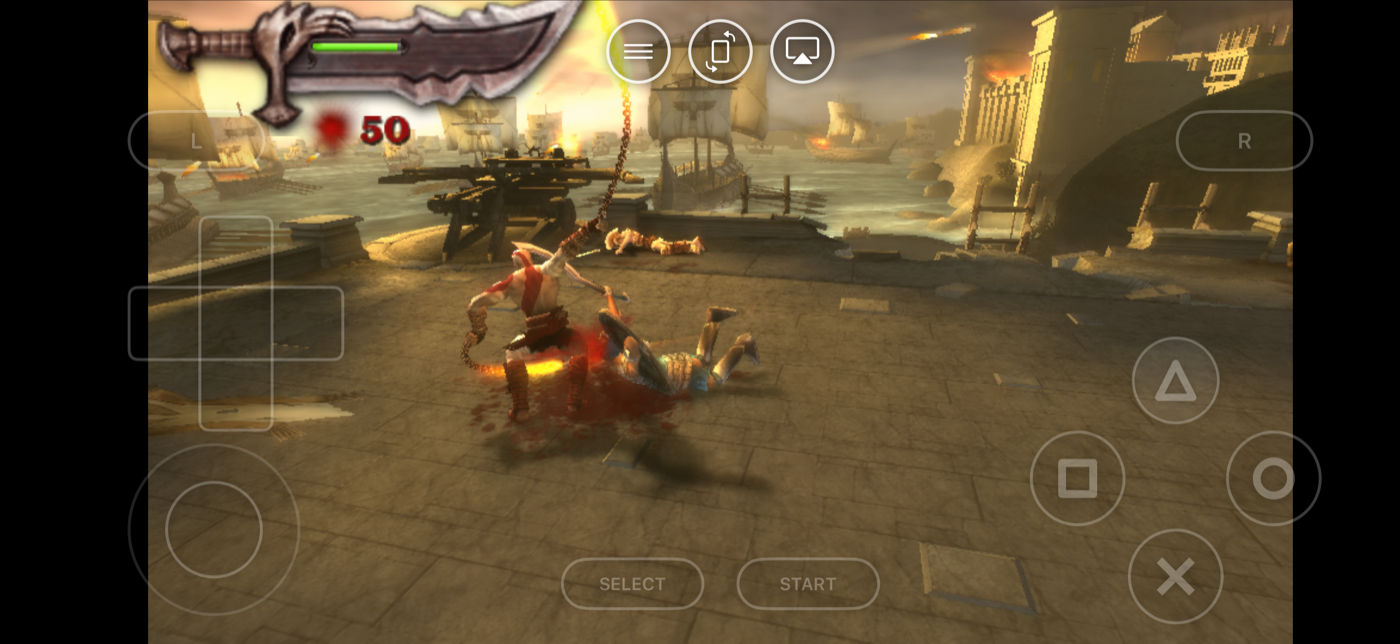
God of War: Chains of Olympus running full-screen in landscape with translucent floating controls
Super Mario 64 in immersive landscape mode with floating N64 controls
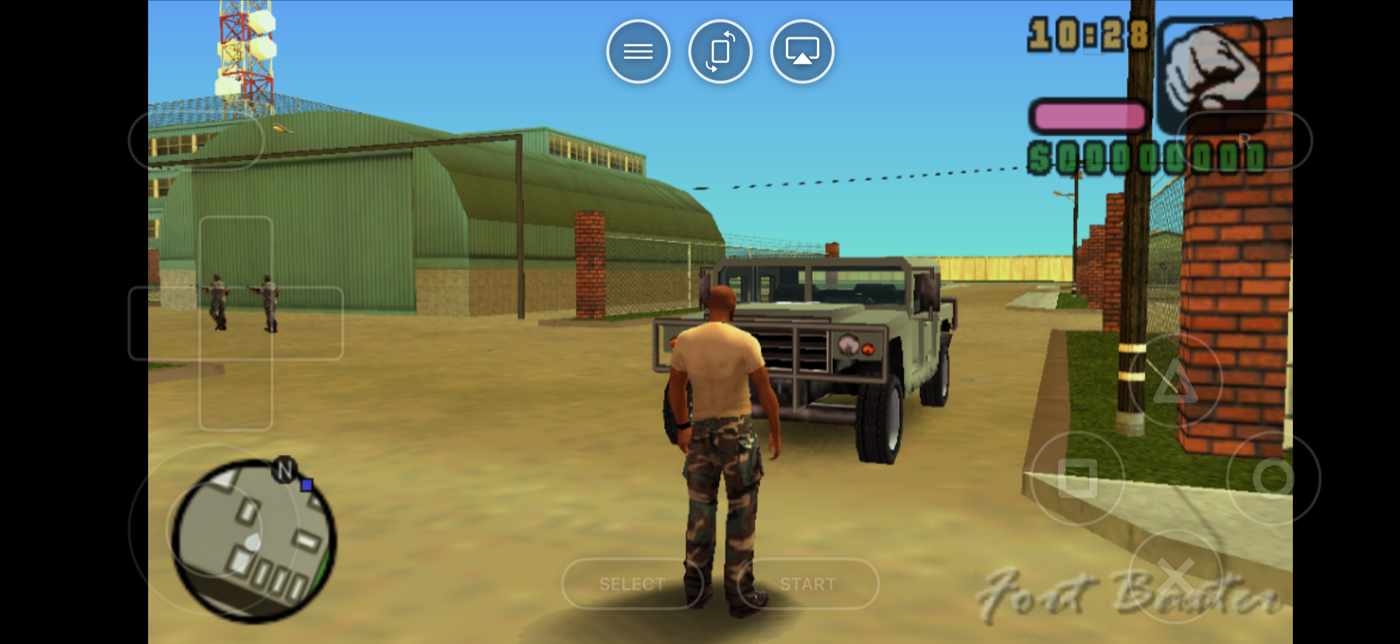
GTA Vice City Stories on PSP in immersive landscape mode with floating PlayStation controls

26 systems mounted

From 1977 to the 3DS.

NES SNES Game Boy Game Boy Color Game Boy Advance Nintendo 64 Nintendo DS Nintendo 3DS GameCube PlayStation PSP Genesis Master System Game Gear SG-1000 Saturn Dreamcast Atari 2600 Atari 5200 Atari 7800 Atari Lynx Atari Jaguar TurboGrafx-16 Neo Geo Arcade (MAME) MS-DOS

The bright ones open a setup guide.

Everything else in the box

Built like you'd build it.

Save states

Your saves are exportable any time, on every tier — your progress is yours. Pro adds unlimited save states.

Cheat codes

Game Genie and GameShark support. It's 1994 and nobody can stop you.

Controllers

MFi, PlayStation, Xbox. Per-player remapping and two-player local play.

Import anything

Files, folders, or the clipboard. Zipped ROMs and multi-disc PS1 games with in-game disc swapping.

DS & DOS

Stylus for the DS touchscreen, keyboard and trackpad for MS-DOS. Per-system, done right.

25 languages

The whole app, localized. Retro is a worldwide childhood.

Your games stay on your device.

Your game files and saves are never uploaded. No accounts, and your saves are yours to export — on any tier.

♛ HAPTIC PRO

Free to play. Pro to power up.

All 26 systems are free to play. Haptic Pro adds unlimited save states, auto save, batch importing, fast forward, screen shaders, AirPlay screen mirroring and full library backups.

Weekly · Yearly · Lifetime

Common questions

Before you press start.

Is Haptic Emulator free?
Yes. All 26 systems are free to play, and exporting your saves is free. Haptic Pro is an optional subscription that adds unlimited save states, auto save, batch importing, fast forward, screen shaders, AirPlay screen mirroring and full library backups. It comes in weekly, yearly and lifetime plans.
Does Haptic Emulator come with games?
No. Haptic ships no games, no ROMs, no disc images and no BIOS files, and provides no way to find or download them. It is a player for game files you already legally own and have backed up yourself. We do not support or condone piracy.
Do I need a BIOS file?
For most systems, no — the game file is all you need. A few consoles may ask for the original system's BIOS, which Haptic does not include and cannot supply; it has to come from hardware you own. Haptic ships no games, ROMs or BIOS files.
What systems does it support?
26 systems. NES, SNES, Game Boy, Game Boy Color, Game Boy Advance, Nintendo 64, Nintendo DS, Nintendo 3DS and GameCube from Nintendo; PlayStation and PSP from Sony; Genesis, Master System, Game Gear, SG-1000, Saturn and Dreamcast from SEGA; Atari 2600, 5200, 7800, Lynx and Jaguar from Atari; TurboGrafx-16 from NEC; Neo Geo from SNK; plus Arcade (MAME) and MS-DOS.
Does Haptic Emulator play Nintendo 3DS games?
Yes, from version 1.0.13. Haptic plays decrypted Nintendo 3DS game files (.3ds, .cci, .cxi and .3dsx) free, with both screens stacked as on the original and the lower one working as a touchscreen. No keys, firmware or system files are needed, and no JIT or sideloading. Encrypted dumps and .cia installers will not start. Our 3DS guide walks through setup.
Does Haptic Emulator play GameCube games?
Yes, from version 1.0.14. Haptic plays GameCube games from .rvz, .gcz and .gcm files free, on the Dolphin core with an engine built to run without JIT, so there is no JIT setup or sideloading. No BIOS or system files are needed. GameCube is one of the most demanding systems in the app, so newer iPhones run it best. Plain .iso files are not recognised as GameCube yet; Dolphin on a computer can convert them to .rvz.
Is it on the App Store?
Yes. Haptic Emulator is a native iOS app on the Apple App Store for iPhone and iPad. No sideloading, no AltStore, no developer account — you install it like any other app.
How do I get my games into the app?
Import from the Files app, from a folder, or straight from the clipboard. Zipped ROMs work as-is, and multi-disc PlayStation games are supported with in-game disc swapping. Cover art is found and downloaded automatically as each game lands, and games are filed under their console.
Can I use a real controller?
Yes. MFi, PlayStation and Xbox controllers are supported, with per-player button remapping and two-player local play. You can also rearrange the on-screen controls and set analog stick sensitivity per game.
What makes the haptics different from other emulators?
Every button press answers through the Taptic Engine, and when a game rumbles that rumble is passed from the emulator core straight into your hand — not replaced by a generic canned vibration.
Does it work on iPad?
Yes, on both iPhone and iPad. There's also an immersive full-screen landscape mode, and you can send the game to a TV over AirPlay and use your phone as the controller.
Which iPhones and iPads does it run on?
Any iPhone or iPad running iOS 18 or later — that's iPhone XS, XR and every model since, and any iPad that runs iPadOS 18. Most systems run at full speed on all of them; the heaviest 3D games on PSP and N64 benefit from a newer device.
Is there an Android version?
Not yet. iOS today, Android planned.
Does it collect my data?
No. There are no accounts and no sign-in, and your game files and saves never leave your device. Your saves are yours to export at any time, on any tier.

Insert cartridge

Your whole childhood.
One download.

▶ PRESS START

Free to play · iPhone & iPad · 26 systems