Field manual
Emulation guides, one system at a time.
Straight guides to running retro systems on iPhone and iPad — what each console needs, what genuinely doesn't work, and how to set it up. No filler, and no links to games: bring backups of the ones you own.
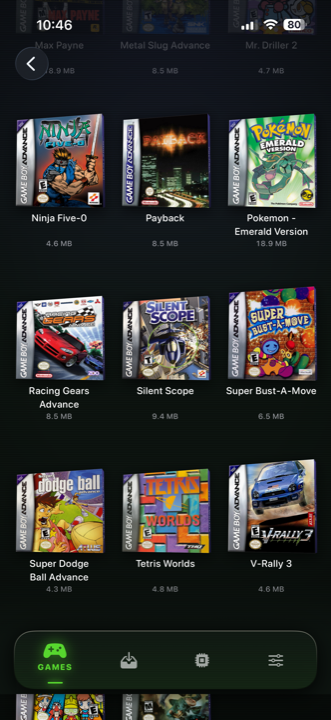
Which emulator should you get for your iPhone?
They're normal App Store apps now. Here's what actually makes a difference once you've used one for a fortnight.
Read →
How to play Pokémon FireRed on your iPhone
Nintendo never put Kanto on a modern console. Your phone turns out to be a lovely way to play it — here's what it's like.
Read →
The best way to play Pokémon Emerald
Twenty years on, Emerald still isn't on any modern console — and the cartridge in your drawer has probably stopped keeping time.
Read →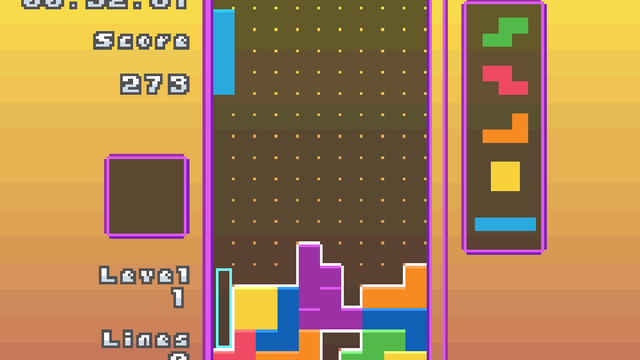
Play Game Boy Advance games on your iPhone
The best 2D games ever made, on a screen that's actually lit this time. No more tilting it toward a lamp.
Read →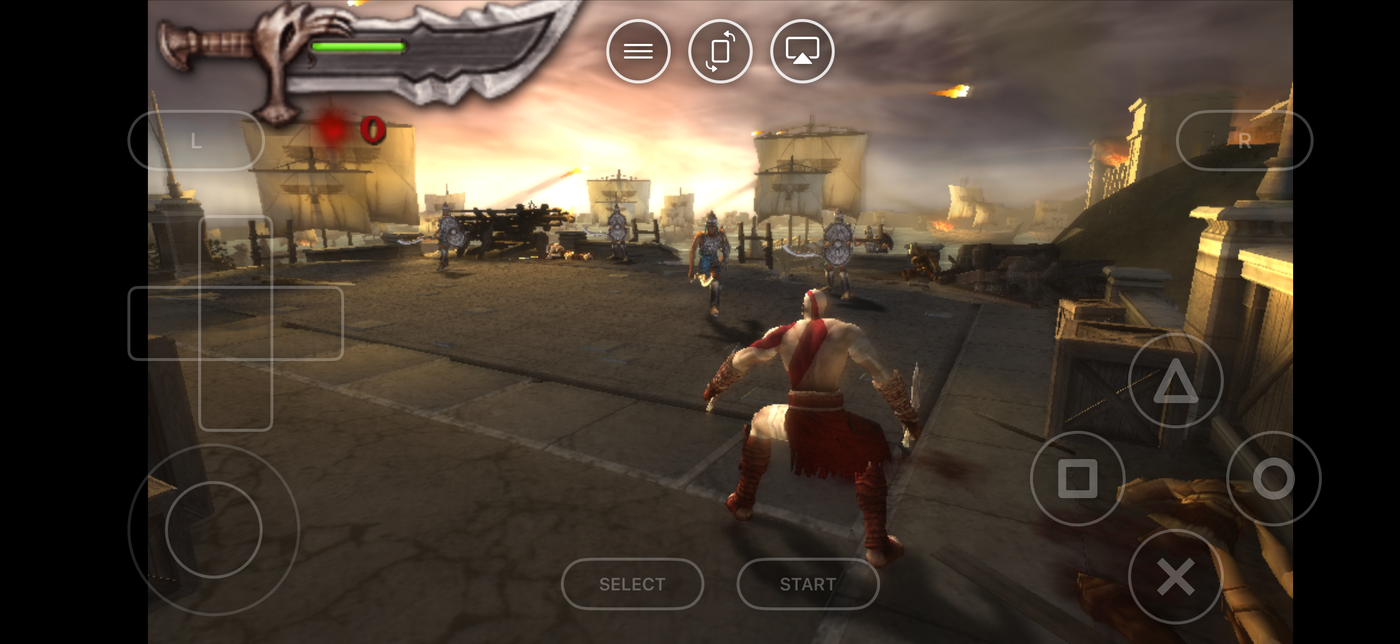
Play PSP games on your iPhone
Here's the surprise: PSP games look better on your phone than they ever did on the PSP. And you can put them on your TV.
Read →
Play PlayStation 1 games on your iPhone
Multi-disc games, all four shoulder buttons, and the one setting that makes 32-bit 3D look right again.
Read →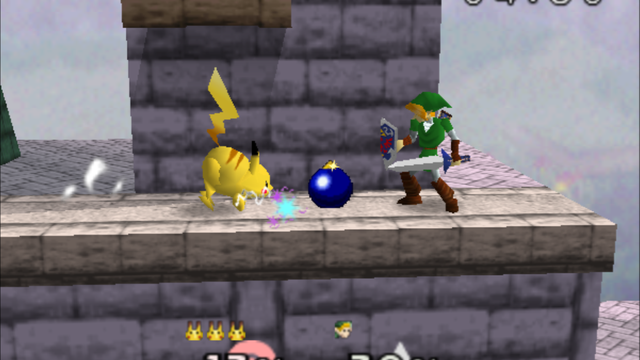
Play Nintendo 64 games on your iPhone
Those four little yellow buttons are the whole problem, and most apps get them wrong. This one doesn't.
Read →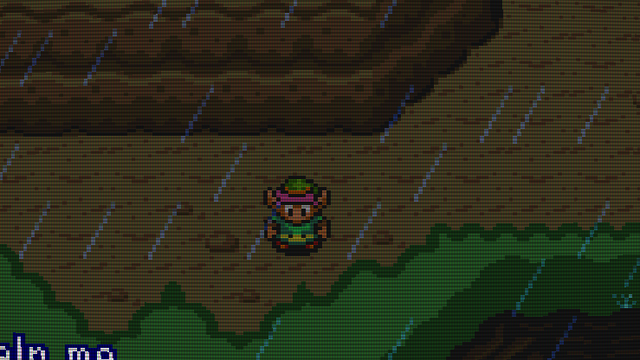
Play Super Nintendo games on your iPhone
Where 2D games peaked. Turn on one setting first and they'll look the way you actually remember them.
Read →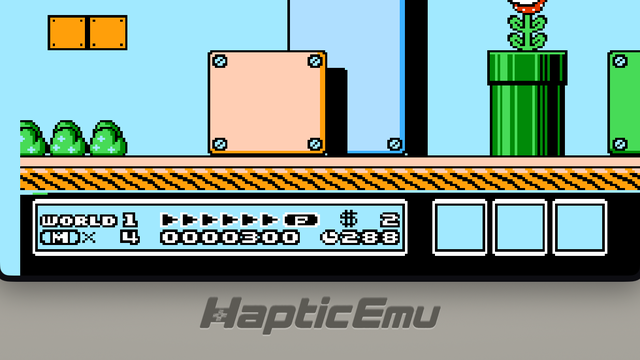
Play NES games on your iPhone
Two buttons and no fuss — plus the thing that quietly makes those impossible childhood games finishable.
Read →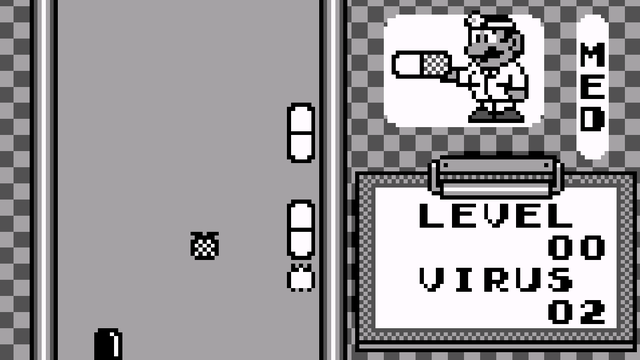
Play Game Boy games on your iPhone
The grey brick, in your pocket again. Including the green screen, if you want it.
Read →
Play Nintendo DS games on your iPhone
The one console where playing on a phone is arguably better than the original hardware.
Read →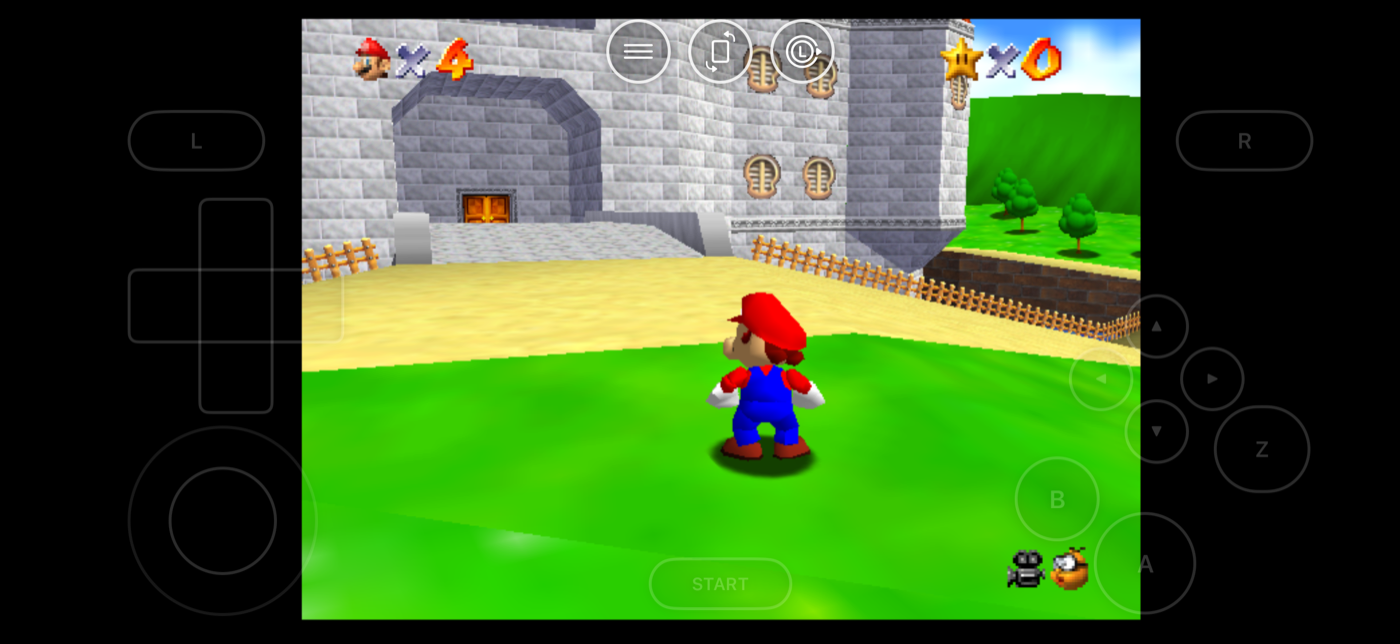
Retro games worth replaying first
Forty years of games just became available and you have no idea what to play. Start here.
Read →RetroArch on iPhone, or something simpler
What it is in plain English, why people give up on it, and when something simpler is the better call.
Read →